Zagomail: Boost Your Email Marketing with High-Performing Campaigns

Looking to get more out of your email marketing? Zagomail is here to help you send better emails and automate your business. It’s built to be easy to use but still packs a punch with features that can really make a difference for your campaigns. Whether you're a small business owner, a creator, or just getting started, Zagomail aims to simplify things and help you connect with your audience more effectively.
Key Takeaways
- Automate your business processes with Zagomail's flexible automation tools and prebuilt templates.
- Send unlimited email campaigns and improve them using A/B split testing and a simple drag-and-drop editor.
- Target the right people by creating custom lists and segments, and re-engage inactive subscribers.
- Build attractive forms and landing pages without limits, and connect your own domain.
- Zagomail focuses on helping small businesses and creators succeed, with a strong commitment to email deliverability.
Unlock Powerful Email Automation With Zagomail
Tired of manually sending out emails for every little thing? Zagomail's automation features are here to take that burden off your shoulders. Think of it as having a super-efficient assistant who handles repetitive tasks so you can focus on what really matters – growing your business. Automating your email marketing doesn't have to be complicated; it's about making your processes smarter.
Automate Your Business Processes
Imagine this: a customer makes a purchase, and automatically, a thank-you email with their order details pops into their inbox. Or, if someone abandaves their shopping cart, a gentle reminder email is sent out. These aren't just nice-to-haves; they're powerful tools for keeping customers engaged and boosting sales. Zagomail makes setting these up straightforward.
Leverage Prebuilt Automation Templates
Don't know where to start with automation? No worries. Zagomail comes with a bunch of ready-to-go templates for common scenarios. We're talking about things like:
- Welcome series for new subscribers
- Abandoned cart recovery sequences
- Post-purchase follow-ups
- Re-engagement campaigns for inactive contacts
- Rewarding your most loyal customers
These templates give you a solid foundation, and you can tweak them to fit your brand's voice perfectly. It's a quick way to get sophisticated automation working for you without starting from scratch.
Design Custom Automation Scenarios
While templates are great, sometimes you need something a bit more specific to your business. Zagomail lets you build your own automation workflows from the ground up. You can choose from a wide range of triggers – like a customer visiting a specific page, signing up for a webinar, or reaching a certain purchase milestone. Then, you can set up a series of actions, like sending emails, adding tags, or updating contact information. This level of customization means your automation can be as unique as your business. For instance, if you use WordPress forms, you can connect them to Zagomail using tools like Bit Integrations to trigger automations based on form submissions.
Building custom automation might sound intimidating, but Zagomail's visual editor makes it surprisingly easy to map out your customer journeys. You can see exactly how contacts will flow through your sequences, making it simple to spot opportunities and refine your strategy.
Craft High-Performing Campaigns Effortlessly
Getting your message out there effectively is key, and Zagomail makes it surprisingly simple. You don't need to be a tech wizard to create emails that actually get opened and acted upon. We've built tools that let you focus on what you want to say, not just how to send it.
Send Unlimited Email Campaigns
Forget limits. With Zagomail, you can send as many email campaigns as your business needs. Whether it's a daily newsletter, a weekly update, or a special announcement, we've got you covered. This means you can stay in touch with your audience as often as you like, without worrying about hitting a ceiling. It’s about consistent communication, plain and simple.
Optimize With A/B Split Testing
Ever wonder if a different subject line or a new call-to-action button might perform better? A/B split testing is your answer. You can test two versions of your email against each other to see which one your audience prefers. This isn't just guesswork; it's data-driven decision-making that helps you improve your results over time. We make it easy to set up these tests and see the performance metrics side-by-side.
Here’s a quick look at how it works:
- Create two versions of your email (e.g., different subject lines).
- Split your audience to send each version to a portion.
- Analyze the results to see which version performed best.
- Send the winning version to the rest of your list.
This process is a great way to learn more about your subscribers and refine your email marketing strategies.
Utilize Drag-And-Drop Editor
Designing emails used to be a headache, involving code or clunky interfaces. Our drag-and-drop editor changes all that. You can build beautiful, professional-looking emails just by moving elements around on the screen. Think of it like building with digital blocks. Add text, images, buttons, and more with a simple click and drag. It’s intuitive, fast, and means you can create visually appealing campaigns without needing any design skills. You can even save your designs to use again later, saving you even more time.
Building effective email campaigns doesn't have to be complicated. Zagomail provides the tools to make your messages clear, your testing straightforward, and your design process simple, so you can connect with your audience more effectively.
Master Audience Segmentation With Zagomail
Knowing who you're talking to is half the battle in email marketing. Zagomail helps you sort your contacts so you can send messages that actually matter to each person. It's not just about sending emails; it's about sending the right emails to the right people.
Create Targeted Lists and Segments
Forget sending the same generic message to everyone on your list. Zagomail lets you break down your audience into smaller, more manageable groups. You can create lists based on how people signed up, what they've bought, or even what pages they've visited on your site. This means you can tailor your content precisely.
Here's how you can start segmenting:
- Sign-up Source: Group people who joined from a specific form or campaign.
- Purchase History: Identify customers who bought certain products or spent a specific amount.
- Engagement Level: Separate active subscribers from those who haven't opened an email in a while.
- Website Activity: Tag users who viewed particular product pages or abandoned their carts.
Reward Your Best Customers
Your most loyal customers deserve a little extra attention. Zagomail makes it easy to spot these VIPs. You can set up rules to automatically identify and tag customers who consistently make purchases or have a high lifetime value. Once identified, you can send them exclusive offers, early access to new products, or special thank-you notes. It’s a great way to show appreciation and keep them coming back for more.
Re-engage Dormant Subscribers
It happens – people get busy, and sometimes they forget about you. Instead of letting those inactive subscribers just sit there, Zagomail helps you bring them back into the fold. You can create automated campaigns specifically designed to win back people who haven't opened your emails recently. These might include a special discount, a reminder of what you offer, or a simple check-in. A well-timed re-engagement campaign can often turn a cold contact back into an active, interested subscriber.
Effective segmentation isn't just a nice-to-have; it's a core part of making your email marketing work. When you send relevant content, people are more likely to open, click, and buy. It builds trust and makes your brand feel more personal.
Build Engaging Forms and Landing Pages
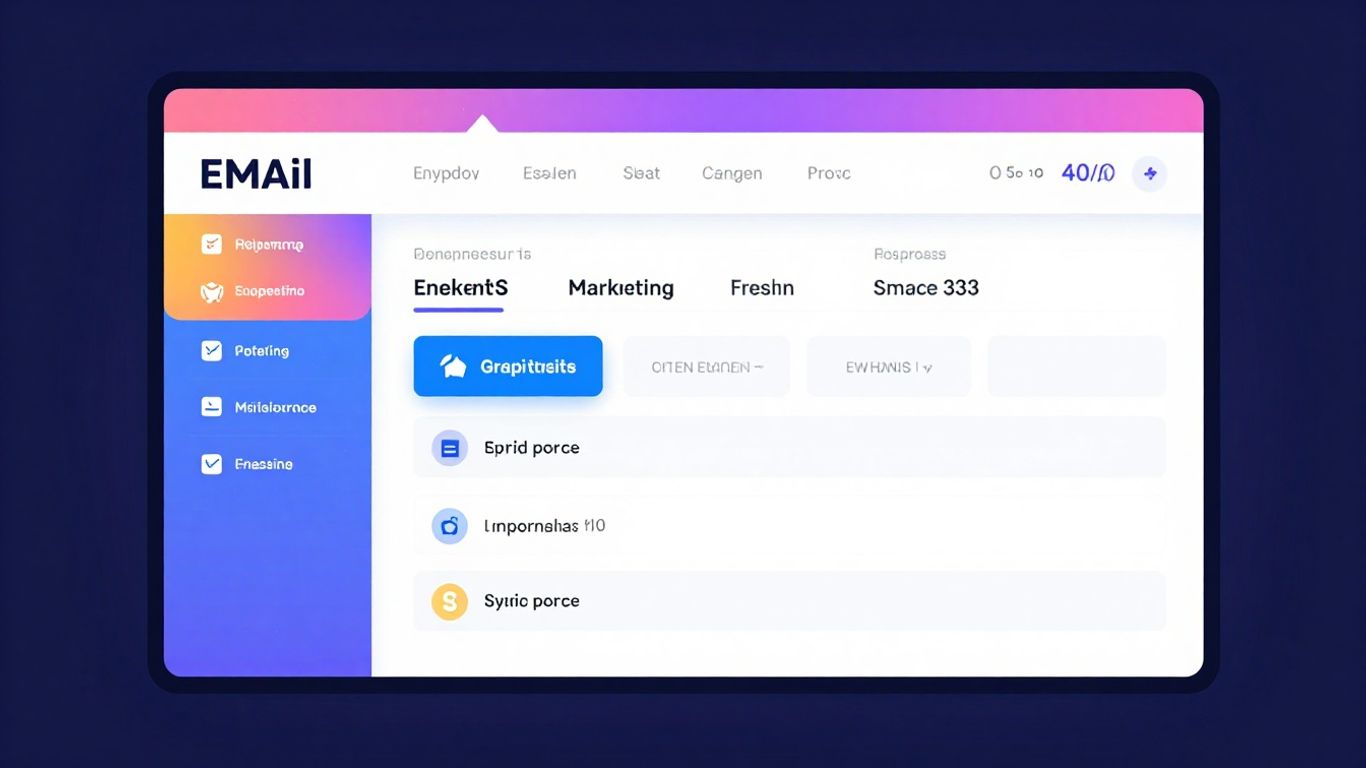
You know, getting people to sign up for your list or click through to a special offer is half the battle. Zagomail makes this part way easier with tools to create forms and landing pages that actually work. It’s not just about making them look pretty, though that’s important too. It’s about making them effective.
Design Unlimited Stunning Forms
Forms are your gateway to new subscribers. Zagomail lets you create as many as you need, which is pretty great. You can choose from different styles like pop-ups that appear as someone browses, inline forms for your website's content, or floating bars and boxes that stick around. They even have professional templates to get you started, so you don't have to be a design whiz.
Create Multiple Landing Page Templates
Landing pages are where you send people for a specific reason – maybe to download a guide or sign up for a webinar. Zagomail gives you a bunch of templates for these too. You can use their drag-and-drop editor to tweak them until they're just right. This means you can quickly set up pages for different promotions without starting from scratch every time. If you're looking for a solid landing page builder, check out options like MailerLite.
Integrate Custom Domains and Tracking
This is where things get serious. You can connect your own domain name to your landing pages, making them look super professional and branded. Plus, you can add tracking codes like Google Analytics or the Facebook Pixel. This lets you see exactly who is visiting your pages and what they're doing, which is key for figuring out what's working and what's not.
Tracking your results helps you understand your audience better. It's like having a little window into their behavior, showing you what captures their interest and what makes them leave. Use this data to make smarter decisions about your content and offers.
Here’s a quick look at what you can do:
- Create unlimited forms in various styles.
- Design multiple landing pages with a drag-and-drop editor.
- Connect custom domains for a professional look.
- Add tracking codes for detailed analytics.
- Utilize pre-made templates to save time.
Seamlessly Migrate To Zagomail
Thinking about switching email platforms can feel like a big hassle, right? You've got all your contacts, your past campaigns, and all that history. It's a lot to move. But with Zagomail, we've made it as simple as possible. We want your move to be smooth so you can get back to what you do best: running your business.
Experience Free Data Migration
Moving your data shouldn't cost you extra. That's why we offer free data migration. No hidden fees, no complicated processes. We handle the heavy lifting so you don't have to worry about losing any of your important information. It's our way of saying welcome and making sure you start off on the right foot.
Import Your Existing Email Lists
Getting your contacts into Zagomail is straightforward. You can easily import your existing email lists directly into the platform. Whether you have a small list or a massive one, our import tool is designed to be quick and reliable. Just upload your file, and we'll take care of the rest, organizing your subscribers so you can start sending campaigns right away.
Zagomail's Commitment To Deliverability
We know that getting your emails seen is the whole point, right? That's why Zagomail puts a lot of thought into making sure your messages actually land in the inbox. It’s not just about sending emails; it’s about sending emails that get opened and read. We’re serious about keeping our platform clean so everyone benefits.
Adhere To Acceptable Use Policy
To keep things running smoothly and ensure high inbox placement rates for all our users, we have a clear Acceptable Use Policy. This means we don't allow purchased, rented, or scraped lists. If you're planning on cold outreach or just blasting emails to people who haven't asked for them, Zagomail probably isn't the right fit for you. We want to protect the reputation of our platform and, by extension, yours.
Focus On Permission-Based Lists
This is a big one for us. We only allow lists where subscribers have actively given you permission to email them. Think about it: people are more likely to engage with emails they actually want to receive. This approach not only respects your audience but also leads to better campaign results. It’s a win-win.
Welcome Small Businesses and Creators
Zagomail is built with folks like you in mind – the small business owners, the creators, the freelancers, and the bloggers. We understand you need tools that work without breaking the bank or requiring a degree in rocket science. Our focus is on providing a platform that helps you grow your audience and your business through smart, permission-based email marketing.
Wrapping It Up
So, that's the lowdown on Zagomail. It seems like a pretty solid tool for anyone trying to get their email marketing game on track, especially if you're running a small business or an online shop. They've packed in a lot of features, from setting up those automated messages that can save you tons of time, to building landing pages and forms without needing to be a tech wizard. Plus, the fact that they focus on permission-based lists is a good sign – it means they're trying to help you build real connections with people who actually want to hear from you. If you're tired of complicated software and just want something that works to help you connect with your customers, Zagomail might just be the ticket.
Frequently Asked Questions
What exactly is Zagomail and what can it do for my business?
Zagomail is like a super helpful tool for sending emails to your customers. It helps you automatically send messages, create cool campaigns, and understand what your audience likes. Think of it as your personal email assistant that works hard so you don't have to!
Can I send lots of emails without worrying about limits?
Yes! With Zagomail, you can send as many email campaigns as you need. You don't have to stress about hitting a sending limit, which is great for growing your business and reaching everyone you want to talk to.
How does Zagomail help me send the right message to the right people?
Zagomail lets you group your contacts into different lists, like people who bought something or people who haven't visited in a while. This way, you can send special messages to each group, making them feel more important and increasing the chances they'll connect with you.
Is it hard to set up email automations with Zagomail?
Not at all! Zagomail has ready-to-go templates for common tasks, like sending a welcome email or reminding someone about items left in their cart. You can use these right away or create your own special sequences if you have a unique idea.
What if I have my email list somewhere else? Can I move it to Zagomail?
Absolutely! Zagomail makes it easy to switch. They offer free help to move your existing email lists over, so you won't lose any of your contacts when you start using Zagomail.
Does Zagomail work for small businesses and individuals?
Yes, Zagomail is perfect for small businesses, online store owners, creators, and even bloggers! It's designed to be powerful yet simple, helping anyone grow their online presence through effective email communication.