Unlock Your Voice: A Quickstart Guide to Podcasting with Anchor

Here are the main points to remember as you start your podcasting journey with Anchor. Keep these in mind to make the process smoother and more successful.
Key Takeaways
- Anchor is a free and easy way to start your own podcast.
- Plan your podcast topic and episode structure before you record.
- Use Anchor's tools for recording, editing, and adding music.
- Design good cover art and write clear descriptions to attract listeners.
- Promote your anchor podcast on social media and engage with your audience.
Getting Started with Your Anchor Podcast
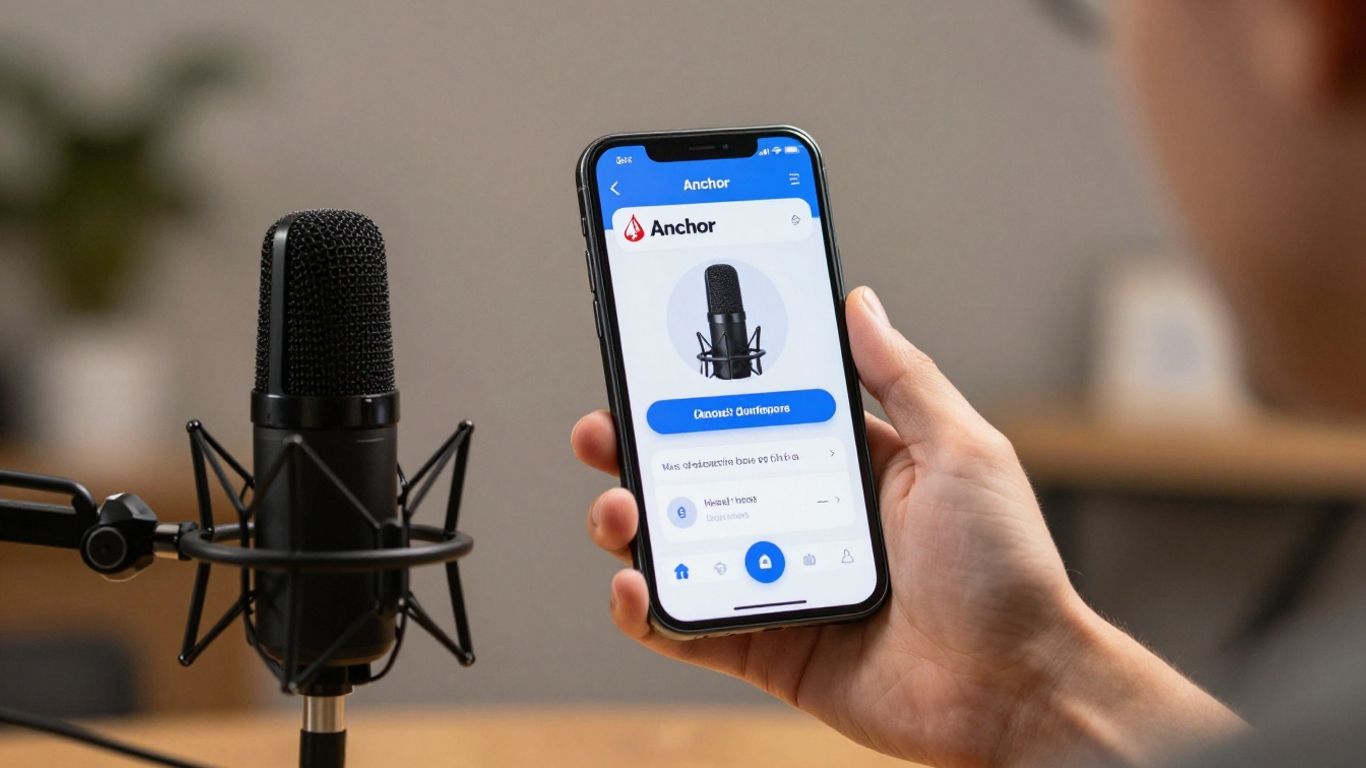
So, you've decided to jump into the world of podcasting, and you've heard Anchor is the place to be. That's great! Anchor, now part of the Spotify family, is designed to make podcasting super accessible, even if you've never touched a microphone before. It's like a one-stop shop for creating, editing, and distributing your show.
Understanding the Anchor Platform
Anchor is pretty straightforward. Think of it as your podcasting command center. You can record directly in the app or upload pre-recorded audio. It also has tools for adding music and sound effects, and importantly, it handles getting your podcast out to all the major listening apps like Spotify, Apple Podcasts, and Google Podcasts. The platform aims to remove technical hurdles so you can focus on your content. It's a pretty neat setup.
Setting Up Your Anchor Account
Getting started with an account is simple. Just head over to the Anchor website or download the app. You'll need to create a login, which usually involves an email address and password. Once you're in, you'll be prompted to set up your podcast's basic information. This includes:
- Podcast Name: Make it catchy and descriptive!
- Podcast Description: Tell people what your show is about.
- Podcast Category: Helps listeners find you.
- Podcast Cover Art: This is your show's visual identity.
Don't stress too much about getting everything perfect on the first try; you can always tweak these details later. If you're thinking about the visual side of things, checking out some tips on designing eye-catching cover art can be a good idea early on.
Your First Anchor Podcast Episode
Ready to record? Anchor makes it easy. You can record directly in your web browser or through the mobile app. For your very first episode, keep it simple. Introduce yourself, explain what your podcast will be about, and maybe share a little about why you're excited to start this journey. You don't need fancy equipment to begin; your phone's microphone is often good enough to get started. Anchor also offers a way to record with friends or co-hosts remotely, which is a nice feature if you plan on having guests or a co-host. Once you've recorded, you can add intro/outro music and then publish it directly through the platform. It's a pretty smooth process from recording to being live.
The beauty of Anchor is its integrated approach. You don't need to juggle multiple services for recording, editing, and distribution. Everything is designed to work together, making the initial steps of launching a podcast feel much less intimidating.
Crafting Compelling Podcast Content
So, you've got your Anchor account set up and you're ready to hit record. Awesome! But before you do, let's talk about what you're actually going to say. Making a podcast people want to listen to isn't just about having a good idea; it's about how you shape that idea into something engaging. Think of it like building a story, even if your podcast isn't a narrative one.
Defining Your Podcast's Niche
First things first, what's your show about? Trying to cover everything is a fast track to sounding generic. Instead, zero in on a specific topic or a unique angle. Maybe you love talking about vintage video games, or perhaps you're obsessed with the history of everyday objects. Whatever it is, get specific. This helps you attract listeners who are genuinely interested in what you have to say. It also makes it easier to plan your episodes. When you know your niche, you know what kind of stories and information fit.
- Identify your passion: What do you love talking about for hours?
- Research the landscape: Are there other podcasts in this space? How can you be different?
- Consider your audience: Who are you talking to, and what do they want to hear?
Developing Engaging Storylines
Even if your podcast is just you chatting, there's still a narrative arc to consider. People connect with stories. Think about how you can structure your episodes to keep listeners hooked. This doesn't mean you need a dramatic plot twist every episode, but you do need a flow. Start with a hook, build up your points, and end with a clear takeaway or a call to action. For example, if you're discussing a historical event, don't just list dates. Tell the story of the people involved, the challenges they faced, and the impact it had. This makes the information stick.
Making your content relatable is key. Share personal anecdotes or experiences that connect with your topic. This humanizes your show and builds a stronger bond with your audience.
Structuring Your Episodes for Impact
How you organize your episode makes a big difference. A well-structured show is easier to follow and feels more professional. Anchor provides tools to help you organize your thoughts, but having a plan beforehand is even better. Many podcasters find that using a podcast script helps immensely. It keeps you on track and ensures you cover all your key points without rambling. Here’s a basic structure that works for many types of shows:
- Intro: Hook your listener immediately. Briefly introduce the topic and what they can expect.
- Main Content: This is the bulk of your episode. Break it down into segments if needed.
- Mid-roll (Optional): A good spot for a brief break or a message.
- Outro: Summarize key points, thank your listeners, and tell them what's coming next or how to connect with you. This is also where you might include a call to action, like asking them to subscribe or leave a review. A well-crafted episode structure can make all the difference in listener retention.
Recording and Editing on Anchor
Alright, so you've got your podcast idea, you've set up your account, and now it's time to actually make some noise. Anchor makes this part pretty straightforward, which is great because, let's be honest, fiddling with complicated software can be a real drag when you just want to get your voice out there.
Utilizing Anchor's Recording Tools
Anchor has built-in tools that let you record right from your phone or computer. It's super convenient. You can record yourself, or even bring in other people to record with you, which is handy for interviews or co-hosted shows. They've got this feature where you can record a message and then add it to your episode later. It's like a little audio notepad for your thoughts. The most important thing is to find a quiet space to record; background noise is your enemy. Seriously, even a humming fridge can be distracting.
Anchor also lets you record segments separately. This is useful if you mess up a line or want to re-record a specific part without starting the whole episode over. You can also record
Enhancing Your Anchor Podcast
So, you've got your podcast up and running on Anchor, which is now known as Spotify for Podcasters. That's awesome! But just having episodes out there isn't always enough to get people hooked. We need to make sure your show looks good and sounds professional, and that listeners can actually find what they're looking for. Think of it like decorating your house – you want it to be inviting and easy to get around in.
Designing Eye-Catching Cover Art
Your podcast cover art is the first thing potential listeners see. It's like the book cover for your show. If it's blurry, too busy, or just plain boring, people might scroll right past. You want something that grabs attention and gives a hint about what your podcast is about. Keep it simple, clear, and make sure any text is readable even when the image is small.
- Keep it simple: Avoid too many colors or elements.
- Make it readable: Use a clear font for your podcast title.
- Reflect your topic: The art should give a clue about your show's theme.
- Check the specs: Anchor recommends a square image, at least 1400x1400 pixels, up to 3000x3000 pixels.
Writing Effective Episode Descriptions
This is where you tell people what each episode is about. Don't just write a sentence or two. Give them a reason to click play! Think about what makes your episode interesting. What questions will you answer? What stories will you tell? A good description can make a big difference in whether someone decides to listen.
A well-written description acts as a mini-trailer for your episode. It should be informative enough to pique interest without giving away all the surprises. Consider what keywords listeners might use to find content like yours, and try to weave them in naturally.
Leveraging Anchor's Monetization Options
Once you start building an audience, you might want to think about making some money from your podcast. Spotify for Podcasters (formerly Anchor) has a few ways to help with this. You can run ads in your episodes, offer subscriptions for bonus content, or even get donations from your listeners. It takes time to build up to this, but it's good to know the options are there.
Here's a quick look at some ways to earn:
- Sponsorships: Companies pay to have their ads read on your show. Anchor can help connect you with sponsors.
- Subscriptions: Offer exclusive content or early access to episodes for a monthly fee.
- Donations: Allow listeners to send you one-time or recurring payments directly.
Remember, building a good show and a loyal audience comes first. The money stuff usually follows. And if you're looking to improve your podcast's visibility in search engines, understanding how links work is pretty important for SEO link building. It's all about making your content discoverable.
Promoting Your Anchor Podcast
So, you've put in the work, crafted some great episodes, and now it's time to get people listening. That's where promotion comes in. It might sound like a lot, but it's really about getting your show in front of the right ears. Anchor actually gives you some handy tools to help with this, like shareable links and embeddable players you can put on your own website or blog. Using these tools can make a big difference.
Sharing Your Podcast on Social Media
This is probably the most obvious place to start. Think about where your potential listeners hang out online. Are they on Twitter, Instagram, Facebook, TikTok? Tailor your posts to each platform. Don't just drop a link and hope for the best. Share snippets, behind-the-scenes photos, or ask questions related to your episode topics. Create short video clips or audiograms – little audio waveforms with a still image – to grab attention. Consistency is key here; try to post regularly, not just when a new episode drops.
Encouraging Listener Engagement
Getting people to listen is one thing, but getting them to interact is even better. This builds a community around your show. Ask listeners to leave reviews on Apple Podcasts or Spotify. Respond to comments and messages you receive. You can even ask listeners to submit questions for future episodes or suggest topics they'd like you to cover. This makes them feel involved and invested in your podcast's journey.
Understanding Podcast Analytics
Anchor provides analytics that show you how many people are listening, where they're listening from, and which episodes are most popular. This information is gold. It tells you what's working and what's not, so you can adjust your content strategy. For example, if you see that episodes about a certain topic get way more downloads, maybe you should do more episodes like that. It's all about using the data to make smarter decisions about your show.
Don't just publish and forget. Think of promotion as an ongoing conversation with your audience. The more you interact and share, the more likely people are to tune in and stick around. It takes time, but building an audience is a marathon, not a sprint.
Remember, you can always repurpose content from older episodes too. Extending the life of your podcast content means it can continue to find new listeners long after it's first released. It's about making your hard work go further.
Advanced Anchor Podcast Strategies
So, you've got a handle on the basics of Anchor, and your episodes are sounding pretty good. That's awesome! But what's next? How do you really make your podcast stand out and connect with more people? It’s time to think bigger.
Collaborating with Other Podcasters
Teaming up with other podcasters is a fantastic way to cross-pollinate audiences. Think about it: you introduce your listeners to someone new, and they introduce their listeners to you. It’s a win-win. Look for shows that have a similar vibe or target audience, but aren't direct competitors. Maybe you can do a guest spot on their show, or they can come on yours. It’s a great way to share ideas and get fresh perspectives. You could even plan a joint episode where you both tackle a topic from your unique angles. This kind of partnership can really help you grow your podcast.
Building a Community Around Your Show
Podcasting isn't just about talking into a microphone; it's about creating a connection. How do you get people to feel like they're part of something? First, make it easy for listeners to reach out. Encourage them to send in questions or comments, and then actually read or play them on the show. This makes your audience feel heard and involved. You can also set up a dedicated space for your listeners, like a Facebook group or a Discord server. This gives them a place to chat with each other and with you, outside of the episodes. Regular interaction is key to turning casual listeners into a loyal community.
Exploring Cross-Platform Promotion
Don't just rely on Anchor to get the word out. Think about where else your potential listeners hang out online. Social media is an obvious one, but get creative. Can you turn short audio clips into engaging video snippets for TikTok or Instagram Reels? Can you write blog posts that expand on episode topics? Even creating simple graphics with key quotes can grab attention. Remember, different platforms work best for different things. A well-placed mention on a relevant forum or a guest appearance on another creator's platform can also bring in new ears. It's all about meeting people where they are.
Building a successful podcast takes more than just hitting record. It involves actively engaging with your audience, seeking out collaborative opportunities, and strategically promoting your show across various channels. Think of your podcast as a hub, and your community as the people who gather there. The more you nurture that space and reach out to new potential members, the stronger your show will become.
Conclusion
So, you've got the rundown on making your own anchor podcast. It might seem like a lot at first, but Anchor makes it pretty straightforward. Just remember to have fun with it, be yourself, and keep putting out episodes. Your voice matters, and there are people out there waiting to hear what you have to say. Go ahead and hit record!
Frequently Asked Questions
What exactly is Anchor?
Anchor is a free app and website that lets anyone create and share their own podcasts. It's like a one-stop shop for making your show, from recording to getting it out to listeners.
Do I need special equipment to start an anchor podcast?
Nope! You can totally start with just your phone. Anchor has built-in tools that let you record right from the app. As you get more into it, you might want to get a better microphone, but it's not needed to begin.
How long should my podcast episodes be?
There's no strict rule! Some podcasts are super short, like 5 minutes, while others are an hour or more. Think about what works best for your topic and what your listeners might want. Keeping it consistent is often a good idea.
Can I make money with my anchor podcast?
Yes, Anchor has ways to help you earn money from your podcast, like through ads that play during your episodes. You can turn these on once you meet certain requirements.
How do people find my anchor podcast?
Anchor helps send your podcast to places like Spotify, Apple Podcasts, and Google Podcasts. You can also share links to your show on social media or tell your friends about it.
What if I make a mistake while recording?
Don't sweat it! Anchor has basic editing tools. You can trim out parts you don't want, or even re-record sections if needed. It's pretty forgiving for beginners.