Unlock Your Creative Potential with Vmaker AI: Effortless Video Editing

Making videos used to take forever, right? You'd spend hours just cutting clips, adding music, and trying to make it look decent. Well, things are changing, and fast. Vmaker AI is here to make video editing way less of a headache. It's like having a smart assistant that handles a lot of the boring stuff so you can actually focus on being creative. This tool is designed to speed things up, making it easier for anyone to create videos that look good without needing to be a pro editor.
Key Takeaways
- Vmaker AI started as a simple screen recorder and has evolved into a powerful AI-driven video editor, simplifying the creation process.
- The tool addresses common video editing bottlenecks by using AI to automate tasks like selecting b-roll, adding music, and creating highlights, saving creators significant time.
- Vmaker AI offers features like an AI background remover, AI avatar videos, and an easy way to convert long videos into short-form content for social media.
- Users can achieve viral video styles with ready-made templates and emulate popular creator trends with a single click, making content stand out.
- Despite AI assistance, Vmaker AI maintains user control, allowing for customization while significantly speeding up the workflow for increased content output.
Unlock Your Creative Potential with Vmaker AI
The Evolution of Vmaker: From Screen Recording to AI Editing
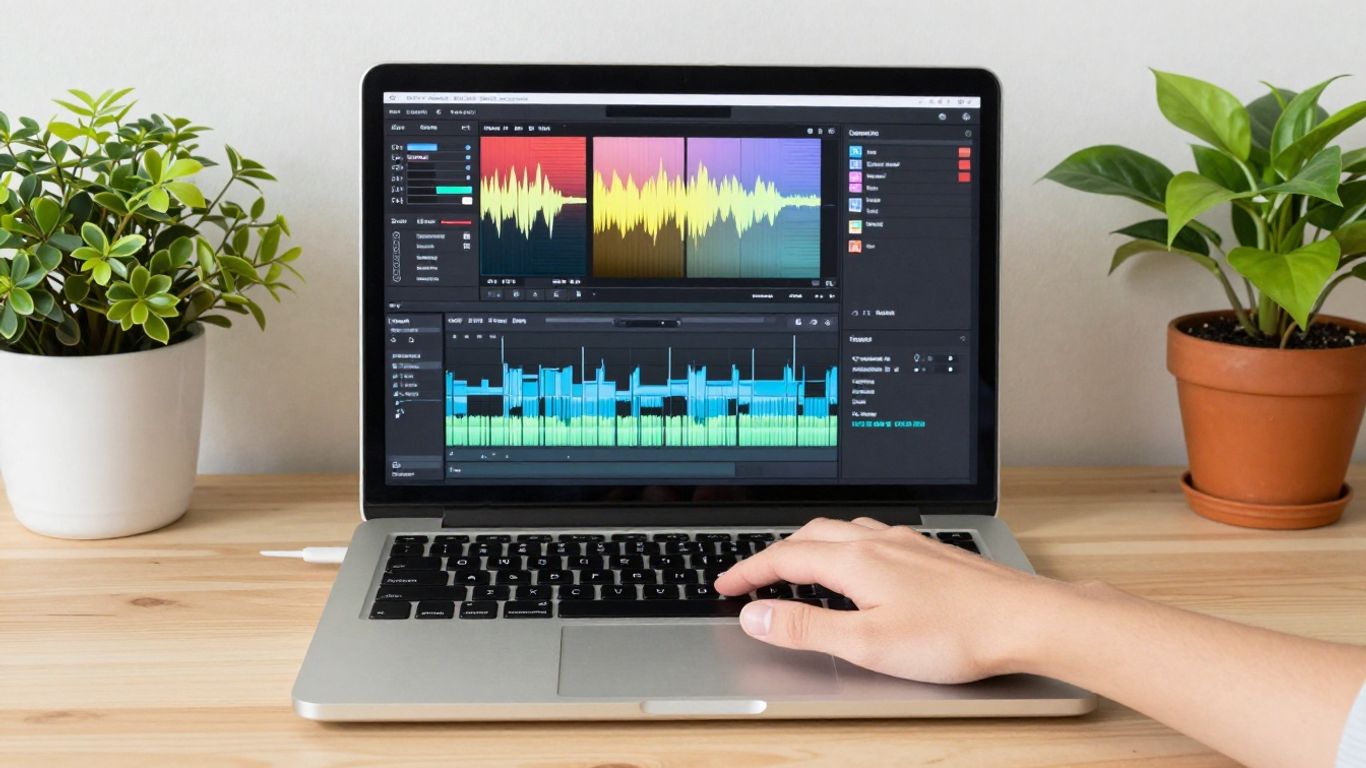
Vmaker started out with a simple goal: make screen recording easy. It was a good tool for people who needed to show something on their computer screen, like teachers or people making tutorials. It worked well and people liked it. But the world of making videos changed. People wanted more than just screen recordings; they wanted to edit, add effects, and make things look professional. Vmaker saw this shift and decided to grow. It moved into video editing and now, it's taken a big leap into using artificial intelligence to help create videos. This change shows how important it is to make content creation faster, which is something Vmaker is really focused on now.
Addressing the Editing Bottleneck with Intelligent Solutions
Think about making a video like cooking a fancy meal. You have all the ingredients, but you still have to do all the chopping, mixing, and stirring yourself. That's what video editing used to feel like for many creators. We talked to a lot of video editors, and they all said the same thing: the time-consuming parts, like finding the right music or cutting out boring bits, were the biggest headaches. It took away from the actual creative part. Vmaker realized this was a big problem for everyone trying to make videos quickly. So, they looked for a smarter way to handle these tasks, and that's where AI came in. It's about taking the tedious work off your plate so you can focus on the fun stuff.
Vmaker AI: Redefining Effortless Video Creation
This new version, Vmaker AI, is changing how people make videos. It's not just another editing tool; it's designed to be a real helper. The main idea is to make video creation simple and fast. Instead of giving you a million complicated options, Vmaker AI focuses on the things that really slow you down. It uses AI to handle those difficult parts, letting you turn your raw ideas into finished videos much quicker. It's about making sure you spend more time thinking up great content and less time wrestling with software. This approach helps creators of all levels produce more videos without feeling overwhelmed. You can even try out different AI video generators to see what works best for your needs.
The digital world moves fast, and if your content creation process is slow, you miss chances to connect with people and grow your brand. Vmaker AI aims to fix that by speeding things up.
Here's a quick look at how Vmaker AI helps:
- Faster Content Turnaround: Spend less time editing and more time creating. Vmaker AI handles many of the repetitive tasks.
- AI-Powered Assistance: Get help with editing, finding music, and adding effects, making the process smoother.
- Focus on Creativity: With the technical parts taken care of, you have more energy for the creative ideas that make your videos stand out.
It's like having a smart assistant that knows how to edit, so you can just focus on what you want to say. This makes creating professional-looking videos much more accessible, even if you're not a seasoned editor. Tools like CapCut also offer similar AI features to streamline the process.
Transforming Raw Footage into Polished Videos
So, you've got all this footage, right? Maybe it's a long interview, a webinar, or just a bunch of clips you shot. The idea of turning that into something people actually want to watch can feel pretty overwhelming. It used to mean hours hunched over editing software, trying to cut out all the awkward pauses and filler words. But now, things are different. Vmaker AI is here to change that whole process.
Ready-To-Publish Videos: From Rough Cuts to Captivating Content
Forget spending ages manually trimming every little bit. Vmaker AI can take your raw footage and whip it into a presentable video pretty quickly. It's like having a super-fast assistant who knows what to cut. You just give it the raw material, and it starts putting together a version that's much closer to being finished. This means you spend less time on the tedious stuff and more time making sure the story makes sense. It’s a big help when you're trying to get content out the door fast. Tools like AI Edit are designed to do just this, turning lengthy recordings into shareable clips in minutes.
AI-Enhanced Storytelling with Seamless B-Roll Integration
Adding B-roll, those extra clips that illustrate what you're talking about, used to be a manual job. You'd find the right clip, sync it up, and hope it looked good. Vmaker AI can actually help suggest and integrate B-roll for you, making your videos more dynamic and engaging. It helps fill in the gaps and keeps viewers interested. This makes your narrative flow better without you having to hunt for every single shot.
Achieving Professional Polish with Custom Intros and Outros
First impressions matter, and so do last ones. Vmaker AI lets you easily add custom intros and outros that match your brand. This gives your videos a professional, consistent look. No more generic openings or abrupt endings. You can set up your branding once, and the AI will apply it consistently, making your content instantly recognizable.
Making Content Accessible with Auto-Generated Subtitles
Did you know a lot of people watch videos with the sound off? That's where subtitles come in. Vmaker AI automatically generates captions for your videos. This not only helps accessibility for those who are hard of hearing but also makes your content understandable in noisy environments or when people can't play audio. It’s a simple step that makes a huge difference in how many people can actually consume your message. The SmartPick feature is also great for speeding up the initial assembly of your footage.
Harnessing the Power of Vmaker AI Features
AI Highlight Video Maker for Instant Impact
Ever feel like you're drowning in footage and need to pull out the best bits fast? That's where the AI Highlight Video Maker comes in. It's designed to scan your longer videos and automatically pick out the most engaging moments. Think of it as having a super-fast assistant who knows exactly what makes a clip pop. This is great for social media clips or teasers. You can get a punchy summary of your content without spending hours re-watching everything. It really cuts down the time from recording to having something shareable.
Vmaker AI Background Remover for Creative Freedom
Backgrounds can be a real pain, right? Whether it's a messy room or just something distracting, getting rid of it used to mean complicated software and a steep learning curve. Vmaker AI's background remover changes that. With just a few clicks, you can make your background disappear, leaving you or your subject crystal clear. This gives you so much more freedom to place your video content anywhere you want. Imagine putting yourself in a virtual studio or on a beach without ever leaving your desk. It's a simple feature, but it opens up a ton of creative doors for making your videos look more professional and polished. You can explore tutorials, ideas, and tips for using AI to simplify and accelerate your video creation and editing workflow. Learn AI video editing
AI Avatar Videos: Text to Human-Like Presentations
Sometimes, you need to present information but don't want to be on camera yourself. Or maybe you want to create content that feels more personal without recording yourself. That's where AI Avatar Videos shine. You type out what you want to say, and Vmaker AI uses realistic avatars to deliver your message. It's pretty wild how human-like they can sound and look now. This is fantastic for training videos, explainer content, or even just quick updates. You can choose from different avatars and even customize their appearance to match your brand. It's a way to create professional-looking presentations quickly, without needing to worry about lighting, sound, or your own on-camera performance. Create professional YouTube videos quickly using AI.
Effortless Conversion to Short-Form Video
Short-form video is everywhere, and keeping up can feel like a full-time job. Vmaker AI makes it way easier. It can take your longer videos and help you chop them up into bite-sized clips perfect for platforms like TikTok, Instagram Reels, or YouTube Shorts. The AI can even suggest where to make cuts or identify the most interesting parts. This means you can repurpose your existing content without a huge amount of extra work. It's about getting more mileage out of what you've already created, reaching a wider audience on different platforms. This feature is a real time-saver for anyone trying to maintain a presence across multiple social channels.
The core idea behind these AI features is to take the most time-consuming and technically challenging parts of video editing and make them simple. It's about giving you back your time so you can focus on the creative vision, not the tedious tasks.
Discover Viral Styles with Vmaker AI
Ever watch those videos that just seem to grab your attention instantly and make you want to share them? You know, the ones with that certain je ne sais quoi that makes them pop? Well, Vmaker AI has a whole library dedicated to helping you capture that magic. It’s like having a cheat sheet for what’s trending.
Your Shortcut to Viral Stardom with Ready-Made Templates
Forget spending hours trying to figure out what makes a video go viral. Vmaker AI analyzes what’s working right now and packages it into easy-to-use templates. You can take your raw footage and apply a style that’s already proven to get views. It’s a pretty neat way to jumpstart your content creation process, especially if you’re trying to make a name for yourself on platforms like TikTok or Instagram Reels. This tool can help you create viral TikTok videos in a fraction of the time.
Emulating Top Creator Styles with Ease
Think about your favorite creators. They all have a distinct look and feel, right? Maybe it’s the quick cuts, the energetic music, or the way they integrate text and graphics. Vmaker AI lets you borrow from these successful styles. You can pick a template that mimics a certain creator’s vibe and apply it to your own video. It’s not about copying, but about understanding what works and adapting it for your message. This means you can get that polished, professional look without needing to be a video editing wizard yourself.
Applying Viral Qualities in a Single Click
So, how does this actually work? It’s surprisingly simple. You upload your video, then you browse through the Viral Styles Library. Each style is designed to bring specific viral elements to your content. You might find styles that focus on:
- Fast-paced editing with energetic music.
- Clean, minimalist graphics and text overlays.
- Storytelling with dynamic B-roll integration.
- Humorous cuts and sound effects.
- Informative presentations with clear visuals.
Once you find a style you like, you just apply it. Vmaker AI then adjusts your video’s pacing, music, transitions, and even adds effects to match that chosen style. It’s a powerful way to experiment and see what kind of content resonates most with your audience. You can even transform your scripts into viral-ready short videos with this kind of AI assistance.
The goal here isn't to make your videos look exactly like everyone else's, but to give you a solid starting point. It’s about taking the guesswork out of what makes a video engaging and providing you with tools that have already been tested in the wild. This way, you can focus more on your message and less on the technicalities of editing.
It’s a real time-saver, letting you produce content that looks like it took hours to edit, when in reality, it took just a few clicks. This speed is a big deal in the fast-moving world of social media.
The Vmaker AI Advantage: Speed and Control
Let's be honest, video editing can feel like a chore. You spend hours cutting clips, finding the right music, and fiddling with transitions. It's the part that eats up your time, leaving less room for the actual creative thinking. Vmaker AI steps in to change that. It's built to handle the tedious stuff so you can focus on your ideas.
Save Hours, Not Creativity: Let Vmaker AI Handle the Heavy Lifting
Think about how much time you pour into basic editing tasks. Picking out b-roll, syncing audio, adding text – it all adds up. Vmaker AI takes these time-consuming jobs off your plate. It can automatically generate highlight clips from longer videos, saving you a ton of effort. This means you get more done in less time, which is pretty important when you're trying to keep up with content demands. It’s about working smarter, not just harder, so your creative energy isn't drained by repetitive tasks. You can get your raw footage turned into something shareable much faster, letting you focus on the message itself. This is a big deal for anyone trying to produce content consistently.
Full Creative Control: AI Inspiration Meets Powerful Editing
While AI does a lot of the heavy lifting, it doesn't mean you lose control. Vmaker AI is designed to work with you, not replace you. You get the speed of AI suggestions and automation, but you still have the final say. You can tweak the AI's choices, swap out suggested b-roll, adjust music, and fine-tune transitions. It’s like having a super-fast assistant who gives you great starting points, but you're still the director. This blend of AI efficiency and your personal touch means you can create videos that are both polished and uniquely yours. You can even remove backgrounds from your footage with ease, giving you more freedom in how you present your content. This approach helps you start creating videos quickly without feeling boxed in.
Streamlining Workflows for Maximum Content Output
What does this all mean for your content creation process? It means a smoother, faster workflow. Instead of getting stuck in editing, you can move through your projects more efficiently. This allows for:
- Faster Turnaround Times: Get your videos published much quicker.
- Increased Output: Produce more content without burning out.
- More Time for Strategy: Focus on planning your next great idea instead of getting bogged down in edits.
- Experimentation: Easily try out different styles and edits thanks to AI suggestions.
The goal here is to remove the friction points in video creation. By automating the parts that slow you down, Vmaker AI lets you focus on what truly matters: sharing your message and connecting with your audience. It's about making the entire process more enjoyable and productive.
Vmaker AI: A Game Changer in Content Creation
It feels like just yesterday we were all figuring out how to make decent screen recordings, and now? We're talking about AI doing the heavy lifting in video editing. Vmaker has really been on a journey, starting with simple screen capture and now jumping headfirst into AI-powered video creation. It’s kind of wild to think about how fast things change in the content world.
The Grand Launch and Product Hunt Success
The arrival of Vmaker AI wasn't just another software update; it was a big deal. The initial reveal of the Vmaker AI homepage showed off a whole new level of video editing. It’s designed to make things easier for creators, which is pretty much what everyone wants, right? This new editor is built to handle the complicated parts of making videos, letting you focus on the actual ideas. It’s like they took all the time-consuming tasks and said, "AI, you got this." This approach really caught people's attention, especially on platforms like Product Hunt, where it got a lot of buzz. It’s clear that creators are looking for tools that can help them produce videos faster.
Community Engagement and Insider Access Events
Before Vmaker AI was even fully out, they did some cool things to get people excited. There were events, like workshops, where creators could actually try out the new AI features. Imagine recording a video and then seeing the AI instantly make it look way better – that’s what happened. They even had sessions where the CEO showed off how the AI could take raw footage and turn it into something ready to publish, complete with music and effects. It wasn't just about showing off the tech; it was about showing how it solves real problems for people making content every day. Getting this kind of insider look helps build a community around the product.
The Future of Fast-Content Creation
So, what’s next? Vmaker AI seems to be all about making content creation quicker and simpler. They're not trying to overwhelm you with a million buttons; instead, they focus on the core issue: getting your ideas out there without spending ages editing. This means more videos, faster, and hopefully, better engagement with your audience. It’s about working smarter, not just harder, and using AI to help you do that. The goal is to help creators keep up with the fast pace of online content and maybe even get ahead. It’s exciting to think about how tools like this will change how we all make videos, especially for things like AI avatar videos.
Wrapping It Up
So, there you have it. Video editing used to feel like a chore, right? All those hours spent fiddling with clips and trying to find the perfect music. But with Vmaker AI, that whole process just got a whole lot simpler. It’s like having a helpful assistant who takes care of the boring stuff so you can actually focus on making cool videos. Whether you're just starting out or you've been doing this for a while, giving Vmaker AI a try could really change how you create content. It’s about making things faster and easier, so you can get your ideas out there without all the usual headaches.
Frequently Asked Questions
What is Vmaker AI?
Vmaker AI is a super smart tool that helps you make videos really fast. It started as a simple screen recorder, but now it uses artificial intelligence, like a clever helper, to edit your videos for you. It makes creating cool videos much easier and quicker.
How does Vmaker AI make video editing easier?
It's like having a magic wand for your videos! Vmaker AI can take your rough video clips and automatically make them look amazing. It can add background music, cool transitions, and even create highlight clips from longer videos, saving you tons of time.
Can Vmaker AI help me make my videos look professional?
Absolutely! Vmaker AI can add professional-looking introductions and endings to your videos. It also has special styles inspired by popular creators that you can add with just one click, making your videos stand out.
Is Vmaker AI good for making videos for social media like TikTok or Instagram Reels?
Yes, it's perfect for that! Vmaker AI can take your longer videos and automatically turn them into short, catchy clips that are great for social media. This helps you get more views and engagement on platforms like TikTok and Instagram.
Do I need to be a video editing expert to use Vmaker AI?
Not at all! Vmaker AI is designed for everyone, even if you're new to making videos. It does a lot of the hard work for you, but you still have control to change things if you want. It's like having a helpful guide that lets you be the boss.
What makes Vmaker AI different from other video editors?
Vmaker AI focuses on speed and simplicity using AI. Instead of making you do all the boring editing tasks, it handles them for you. This means you can spend more time being creative and less time clicking around, getting your videos out there much faster.