Transform Your Website into a Mobile App with AppMySite: A Comprehensive Guide

Here are the main points to remember about using AppMySite to create your mobile app:
Key Takeaways
- AppMySite lets you turn your existing website into a mobile app easily, with no coding needed.
- You can customize the app’s look and feel to match your brand perfectly.
- The app stays updated with your website automatically, saving you time.
- AppMySite helps you get your app ready to publish on both the Apple App Store and Google Play.
- Features like push notifications and analytics are included to help you connect with users and grow your business.
Transform Your Website Into A Mobile App With AppMySite
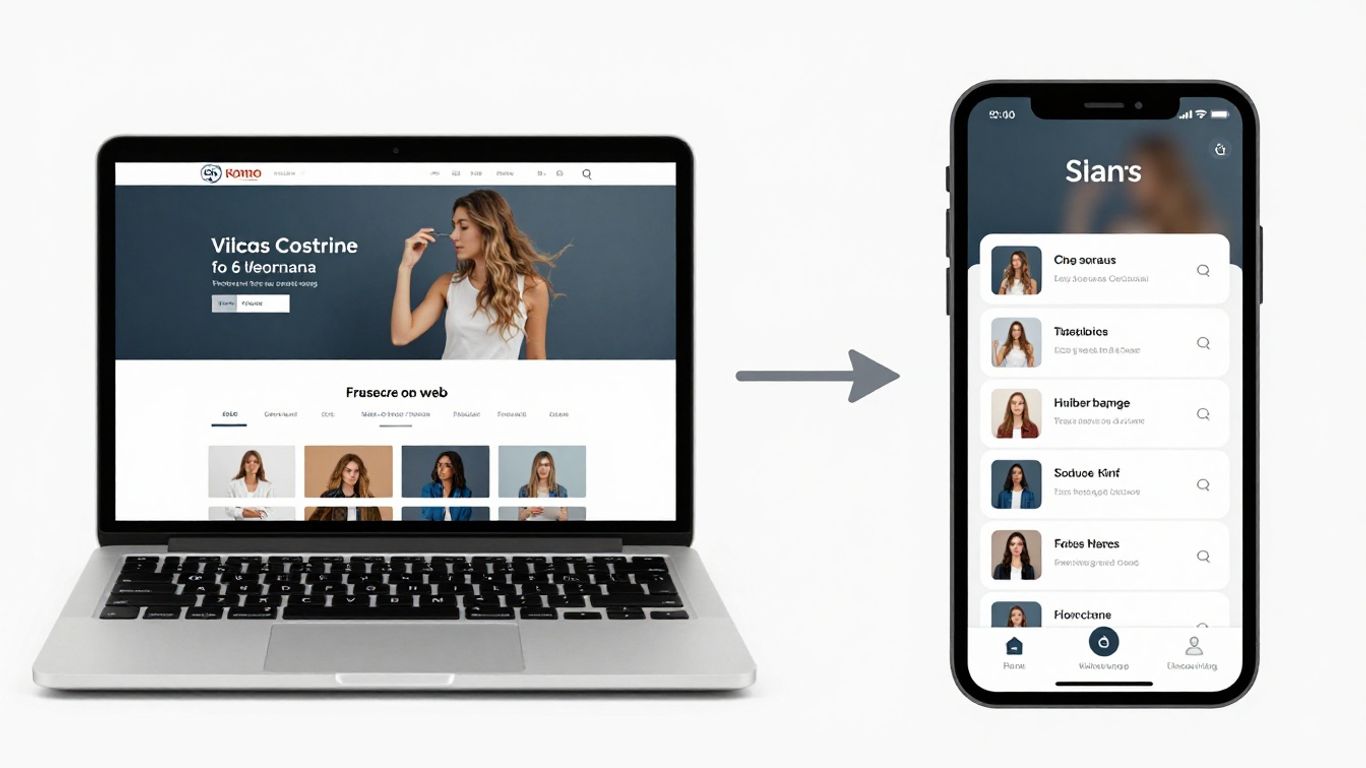
So, you've got a website, and you're thinking, 'Could this be an app?' The short answer is a resounding yes, and AppMySite makes it surprisingly straightforward. It’s like taking your existing online presence and giving it a whole new home on people's phones.
Effortless Setup And Seamless Maintenance
Getting started with AppMySite is pretty simple. You don't need to be a coding wizard or anything. The platform is designed to pull your website's data automatically, so what you see on your site is what you'll get in the app. This means if you update a product or a blog post, it shows up in the app almost instantly.
- Automated Data Sync: Your app stays current with your website without you lifting a finger.
- Future-Proofing: AppMySite keeps your app updated to work with the latest phone operating systems.
- Built-in Troubleshooting: If something goes wrong with the connection, there are tools to help you figure it out.
This whole process is designed to be as hands-off as possible once you've set it up. It's about making sure your app is always working correctly without you having to constantly check on it.
Future-Proof Mobile Apps
One of the biggest headaches with apps is keeping them up-to-date. AppMySite handles this for you. They make sure your app stays compatible with new versions of iOS and Android. This means you don't have to worry about your app suddenly breaking because of an OS update. It's a big relief, honestly. You can focus on your business, not on app maintenance.
Troubleshooting Tools For Smooth Operation
Sometimes, apps can be a bit finicky, especially when they're pulling data from a website. AppMySite includes tools to help you spot and fix connection problems. You can even set up automatic checks. This is super helpful for keeping things running smoothly in the background. It’s like having a little helper making sure your app is always online and working right. You can start building your app today and see how easy it is.
Create Mobile Apps That Stand Out
Platform-Agnostic Integration For Any CMS
No matter what system your website runs on – be it WordPress, Shopify, or something else entirely – AppMySite makes it simple to turn your site into a mobile app. You don't need to be a tech wizard or hire a developer. The process is designed to be straightforward, letting you sync your existing website content and structure directly into a new mobile app. This means less hassle and more time focusing on what you do best.
Customizable Web View Interface
Your app should look and feel like your brand, not just a generic wrapper. AppMySite gives you the tools to tweak the appearance of the web view within your app. You can adjust colors, fonts, and layouts to match your website's design. This creates a consistent experience for your users, whether they're on your website or using your app. It’s about making sure everything flows together nicely.
Consent Screen Management For User Onboarding
Getting users to agree to terms and permissions is important, especially with privacy rules these days. AppMySite lets you set up custom consent screens. You can decide what information you need from users and how you ask for it. This helps you follow privacy laws and makes the onboarding process clearer for new users. It’s a good way to start off on the right foot with your app users.
Building an app that truly connects with your audience means paying attention to the details. From how it looks to how users first interact with it, every step matters in making them want to come back.
Here’s a quick look at what makes an app stand out:
- Consistent Branding: Ensure your app's look matches your website perfectly.
- User-Friendly Onboarding: Make it easy and clear for new users to get started.
- Adaptable Design: The app should work well on different devices and screen sizes.
If you're looking for some inspiration on what kind of apps can make a big impact, you might want to discover winning mobile app ideas. It’s interesting to see what’s out there and what’s possible.
Bridge The Gap From Web To App
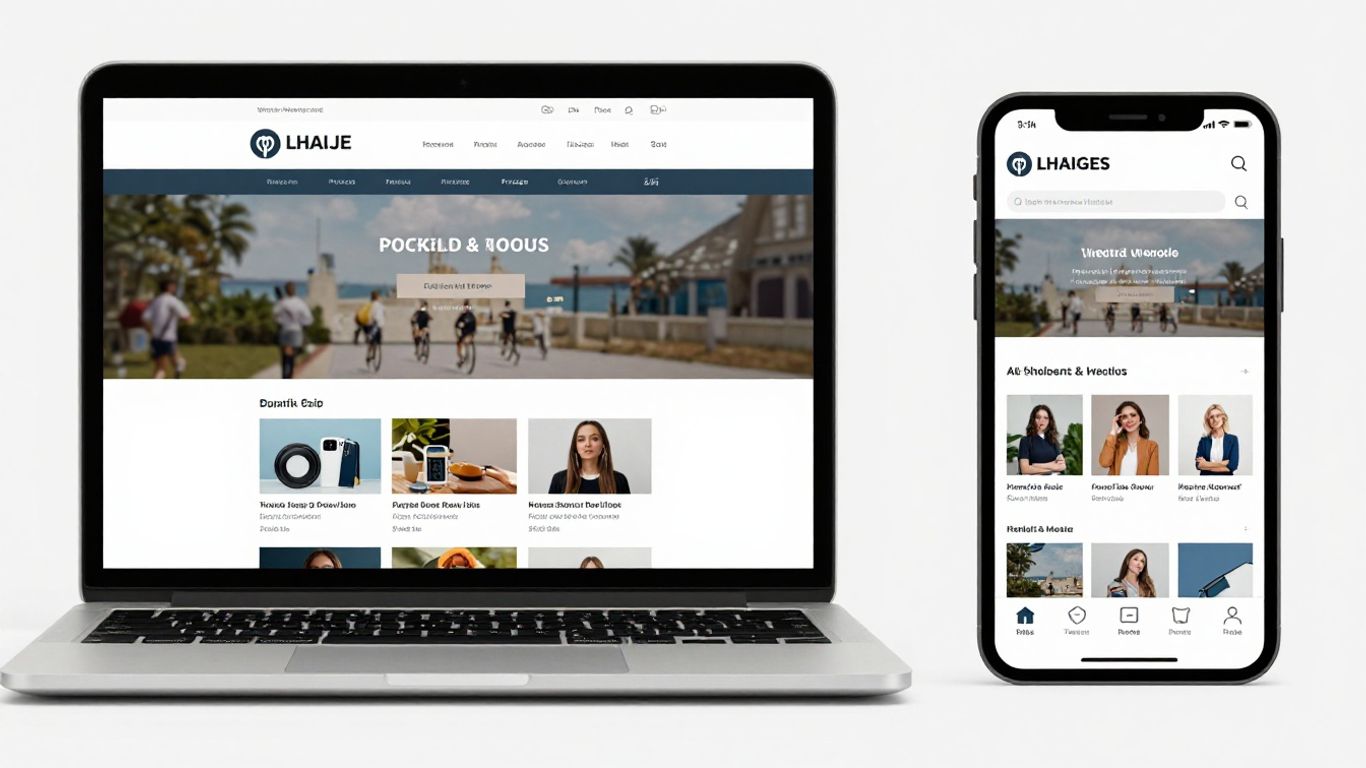
So, you've got a website, and you're thinking, 'How do I get this onto phones without starting from scratch?' That's where bridging the gap comes in. It's all about taking what you've already built and making it work beautifully as a mobile app. AppMySite really helps with this, letting you transform your existing site into a functional app.
Explore Features That Power Your Mobile App
Think of your website as the engine, and the app as the sleek car body. You want all those powerful engine features to be accessible and work well in the new form. AppMySite gives you a bunch of tools to make this happen. You can customize how your website content looks inside the app, control things like headers and footers, and even manage how users interact with your site's data.
- Customizable Web View: Tweak the appearance of your website content within the app. You can hide certain elements or adjust the styling to fit your app's design.
- Header and Footer Controls: Decide whether to show or hide your website's header and footer within the app. This helps create a more focused, native-like browsing experience.
- Caching: Speed things up by caching web pages. This means content loads faster for users on repeat visits, which is always a good thing.
- Cookie Management: Keep users logged in and maintain their sessions so they don't have to sign in every single time they open the app.
Turn Your Website Into A Mobile App, Quickly
Honestly, the idea of building an app can sound like a huge project. But the goal here is speed and simplicity. You don't need to be a coding wizard. The process is designed to be straightforward, letting you convert your site without a steep learning curve. It's about getting your content and functionality into an app format without a lot of fuss.
The aim is to make the transition as smooth as possible, so you can focus on what your app does, not how it was built. This approach saves a lot of time and resources, allowing you to reuse existing web code for your mobile app.
No-Code Development For Professional Apps
This is the big one for a lot of people. You can build a professional-looking app without writing a single line of code. AppMySite handles the technical heavy lifting. You get to focus on the design and user experience. It's pretty neat how you can achieve polished results this way. Plus, keeping your app updated is also made simpler, as changes on your website can often sync automatically with the app.
- Platform Compatibility: Build apps that work on both Android and iOS devices.
- Automatic Sync: Updates made to your website are reflected in the app automatically.
- App Store Readiness: The platform helps ensure your app meets the requirements for publishing on major app stores like Google Play and the Apple App Store.
Make Your Website Truly App-Ready
To really make your website shine as a mobile app, you need to tweak a few things. It's not just about slapping your website into an app container; it's about making it feel right for a mobile user. AppMySite gives you some neat tools to get this done, letting you control how your site looks and acts inside the app.
Website Header and Footer Controls
Think about your website's header and footer. On a desktop, they're usually there, showing your logo, navigation, and contact info. But on a small phone screen, they can take up a lot of space. AppMySite lets you decide whether to show or hide these elements within the app's web view. This means you can create a cleaner, more focused experience for your app users, making it feel more like a native app and less like just a website squeezed onto a phone. You can even customize your web view interface to better match your brand.
Caching For Optimized Web Page Performance
Nobody likes a slow app. Caching is like giving your app a short-term memory for your website's pages. When a user visits a page, the app can store a copy of it. The next time they visit, or if they go back to that page, it loads super fast because it's already saved. AppMySite lets you manage this caching, either using default settings or setting up your own rules. This makes your app feel snappier and more responsive, which is a big deal for keeping users happy.
Cookies And User Agent Management
Cookies are small bits of data that websites use to remember things about you, like keeping you logged in or remembering what's in your shopping cart. When your website becomes an app, managing these cookies is important for a smooth user experience. AppMySite helps you handle cookies so users don't have to log in every single time they open the app. Also, the 'user agent' is like an ID card for your app that tells websites what kind of device and browser is visiting. You can customize this in AppMySite, which can be helpful for tracking your app's traffic separately from your website's regular visitors.
Getting your website ready for an app conversion involves looking at the user experience from a mobile-first perspective. Small adjustments can make a big difference in how polished and professional your final app feels.
Streamlined Publishing And App Store Readiness
Works With Your Existing Tech Stack
AppMySite is designed to play nice with whatever you're already using. Whether you've got a WordPress site, a Shopify store, or even a custom-built platform, the conversion process is straightforward. You don't need to rip out your current setup or learn a whole new system. It's about making your website mobile-friendly without a massive overhaul. This means you can get your app up and running faster, using the tools you're already comfortable with.
Create Apps Users Love To Use
Getting your app into the stores is one thing, but making sure people actually want to use it is another. AppMySite helps you build apps with clean, modern designs. Think about how users interact with their phones – they want things to be quick and easy. We focus on making sure your app's layout is intuitive and that the content is presented in a way that's easy to digest. This isn't just about looking good; it's about creating an experience that keeps users coming back.
Built For Engagement, Growth, And Revenue
Once your app is live, the real work begins: getting people to use it and, if applicable, making money from it. AppMySite includes features that help with this. You can send out notifications to let users know about new stuff, or even set up ways for them to pay for premium content or features directly within the app. It's all about giving you the tools to grow your user base and turn that engagement into something tangible. The goal is to make your app a valuable part of your business strategy.
To get your app published, you'll need to go through the submission process for both the Apple App Store and Google Play. This involves preparing specific assets and information.
Here's a quick rundown of what's typically needed:
- App Name and Subtitle: Clear and descriptive names.
- App Icon: High-resolution images that meet store requirements.
- Screenshots: Visuals showing your app's key features and user flow.
- App Description: Text that explains what your app does, optimized for search.
- Privacy Policy URL: A link to your app's privacy policy.
Connecting your App Store Connect account is a key step for iOS publishing. This guide walks you through that integration.
The submission process can seem a bit daunting, especially if it's your first time. However, by breaking it down into smaller steps and having the right tools, it becomes much more manageable. Focus on creating a quality app experience first, and the publishing part will follow more smoothly.
After you've prepared your assets, you'll upload your app build. For iOS, this means generating an IPA file and submitting it via App Store Connect. For Android, you'll typically upload an .aab file to the Google Play Console. Both platforms have their own review processes, so be prepared for a waiting period. AppMySite aims to simplify this by providing the necessary build files and guidance to help you publish your app successfully.
AppMySite Features For Enhanced User Experience
Intelligent Push Notifications For Engagement
Push notifications are a big deal for keeping users coming back. Unlike a website, an app lives on a user's phone, right there on their home screen. This constant presence is a reminder of your brand. AppMySite lets you send targeted notifications. Think flash sales, new blog posts, or even reminders about items left in a shopping cart. This is super useful for businesses in areas like publishing, education, and especially eCommerce. It's a direct line to your audience that websites just can't match.
Advanced Monetization Tools
Want to make money directly from your app? AppMySite has you covered. You can set up subscriptions for exclusive content, offer in-app purchases for special items or features, or even integrate advertising. This opens up whole new ways to generate revenue that aren't always possible with a standard website. It's a great way to add value for your users while also boosting your income. You can explore options like Google AdMob or set up your own subscription models.
Real-Time Analytics For Data-Driven Decisions
Knowing how your app is performing is key to making it better. AppMySite provides real-time analytics so you can see exactly what users are doing. You can track things like downloads, user engagement, and conversion rates. This information helps you understand what's working and what's not. Making decisions based on this data means you can optimize your app for growth and revenue. It's like having a crystal ball for your app's success. You can even use these insights to tailor your push notification strategy for better results.
Conclusion
So, you've seen how AppMySite can take your website and turn it into a mobile app without needing to be a tech wizard. It's about making things easier for your users and giving your brand a bigger presence. From simple setup to getting it ready for the app stores, AppMySite handles a lot of the heavy lifting. If you've been thinking about making an app but felt it was too complicated or expensive, this might be the perfect solution for you. Give it a try and see how your website can come alive on people's phones.
Frequently Asked Questions
What exactly is AppMySite?
AppMySite is a tool that helps you take your website and make it into a mobile app for phones. You don't need to know how to code to use it.
Do I need to build my website again for the app?
Nope! AppMySite basically turns your current website into an app. When you update your website, the app gets updated too, automatically.
Can I make my app look like my website?
Yes, you can change the colors, add your logo, and make it look like your brand. It helps your app feel familiar to your visitors.
Is it hard to get my app into the app stores?
AppMySite helps with this. They have tools and guidance to make it easier to submit your app to places like the Apple App Store and Google Play.
What if my website doesn't work well on phones already?
It's best if your website already looks good on phones. AppMySite works best when your website is already set up for mobile viewing. It's like putting a nice cover on a good book.
Can I send messages to people using my app?
Yes, you can! AppMySite lets you send 'push notifications'. These are like little alerts that pop up on users' phones to let them know about new things, sales, or updates.