BIGVU Reviews: Is This Social Video Maker Worth Your Investment in 2026?

Thinking about using BIGVU for your social videos? It's a tool that pops up a lot when people are looking for ways to make video content easier. We're going to break down what BIGVU actually does, how it feels to use it, and if it's worth your cash, especially with 2026 on the horizon. We'll look at the good, the bad, and everything in between, using real user feedback to give you the full picture. So, let's get into these bigvu reviews.
Key Takeaways
- BIGVU has features for recording and editing videos, including some AI tools, but users report camera issues on certain devices, like the S22 Ultra.
- The platform's interface is generally seen as usable, though customization might be limited for advanced users.
- Customer support can be slow, with one user waiting 11 days for a response that suggested a workaround instead of a fix.
- Pricing plans vary, and it's important to check if the free trial is available and if the value matches the cost for your needs.
- While some users have positive experiences, recurring problems with camera functionality and support responsiveness are common complaints in bigvu reviews.
Understanding BIGVU's Core Features
Let's break down what BIGVU actually does. It's built to make video creation simpler, especially for social media. The whole idea is to handle a lot of the heavy lifting so you can focus on your message.
Video Recording Capabilities
BIGVU has a built-in camera function that's designed to work with its teleprompter. This means you can record yourself speaking while reading a script that scrolls by. It's pretty handy for getting your lines right without fumbling. They also mention that you can record using your phone's camera directly within the app. The app aims to make sure your recording setup is as straightforward as possible.
Editing Suite Overview
Once you've recorded your footage, BIGVU provides tools to edit it. You can trim clips, add text overlays, and adjust the overall look of your video. It's not a full-blown professional editing suite, but it covers the basics needed for quick social media content. Think of it as a streamlined editor for getting videos out fast. You can also add music and sound effects from their library.
AI-Powered Enhancements
This is where BIGVU tries to stand out. It uses AI for a few things. One is generating video scripts, which can help if you're stuck on what to say. Another is its AI avatar feature, which lets you create a digital presenter. They also have AI-powered background removal and transcription services. These AI tools are meant to speed up the production process significantly, and some users find the AI script generation quite helpful for getting started.
The platform's AI features are designed to automate repetitive tasks in video production, from initial scriptwriting to final edits, aiming to reduce the time creators spend on technical aspects and more on content strategy.
Here's a quick look at some of the AI features:
- AI Scriptwriting: Helps generate video scripts based on prompts.
- AI Avatars: Creates animated presenters for your videos.
- AI Background Removal: Removes or replaces video backgrounds without a green screen.
- AI Transcription: Automatically generates text transcripts from your videos.
User Experience and Interface Design
Navigating the Platform
When you first open BIGVU, it feels pretty straightforward. The layout is clean, and most of the main functions are right there where you'd expect them to be. It's not overly complicated, which is a good start for anyone who just wants to get to making videos without a huge learning curve. The main dashboard gives you quick access to your projects, templates, and settings. It's designed for content creators, and you can tell they put some thought into making the graphic interface intuitive. You won't spend hours trying to figure out where things are.
Ease of Use for Beginners
For folks new to video editing or teleprompting apps, BIGVU is generally pretty welcoming. The core recording feature, especially with the teleprompter, is simple to get the hang of. You can set up your script, adjust the scrolling speed, and hit record. It's a much smoother process than trying to memorize lines or juggle a separate teleprompter app. The app even has an AI script generator that can help you get started if you're stuck on what to say, which is a nice touch for beginners. The Teleprompter for Video app itself is designed for a clean and simple user experience.
Customization Options
While BIGVU keeps things simple, there are still ways to tweak things to your liking. You can adjust font sizes and colors for the teleprompter, change the background, and even set up custom branding like logos. For editing, you get standard tools to trim clips, add music, and overlay text. It’s not a full-blown Hollywood studio, but it’s enough for most social media videos. You can also choose different video formats and resolutions before you export.
Some users have reported issues with the camera not working on certain devices, leading to frustration. While the app aims for simplicity, these technical glitches can be a real roadblock for getting started.
Here’s a quick look at some common settings you can adjust:
- Teleprompter Speed: Fine-tune how fast your script scrolls.
- Font Styles: Change the look of your text.
- Backgrounds: Select solid colors or upload your own images.
- Video Resolution: Choose between 720p, 1080p, and 4K.
- Aspect Ratio: Select 16:9, 9:16, or 1:1 for different platforms.
Performance and Reliability Concerns
Camera Functionality Issues
It seems like a pretty common problem for users to run into issues with the camera not working at all. People have reported getting error messages like, "Issue with the Camera. We encountered an issue accessing your device's camera." Trying again or reinstalling the app doesn't always fix it. Some users with high-end phones, like the S22 Ultra, have had this problem persist for ages. It's frustrating when you can't even start recording because the camera access is broken. This is a pretty big hurdle if you're trying to make videos on the go.
App Stability and Crashes
Beyond just camera problems, the app itself can be a bit shaky. Users have mentioned that the app can be slow, and sometimes it just crashes unexpectedly. This isn't just a minor annoyance; it can really mess up your workflow, especially if you're in the middle of editing or recording something important. Imagine spending time putting a video together, only for the app to quit without saving your work. That kind of instability makes it hard to rely on BIGVU for professional content creation or even just casual use. Slow rendering times are also a point of contention, meaning you wait longer than expected to see your finished product.
Troubleshooting Common Errors
When things go wrong, figuring out how to fix them can be a challenge. Some users have reported reaching out for help and getting slow responses, or even no response at all for days. The advice given, like "try recording on a different device or through the web," feels more like a temporary band-aid than a real solution. It points to underlying issues that aren't being fully addressed. For a tool that's supposed to make video creation easier, the troubleshooting process can feel like a whole other project in itself. It's tough when you're left figuring things out on your own, especially when you're paying for the service. The lack of clear, quick fixes for common problems is a definite drawback for many.
When a tool meant to simplify video creation becomes a source of frustration due to technical glitches, it defeats its primary purpose. Users expect a stable platform that works reliably, especially when deadlines are involved. The current state of performance and reliability for some users suggests there's significant room for improvement.
Here's a quick look at some reported issues:
- Camera access errors
- Sudden app crashes
- Slow processing and rendering
- Unresponsive support for technical problems
It's worth noting that while these issues are reported, the platform does offer a free trial availability which allows users to test these features before committing to a subscription. However, persistent problems with core functions like the camera can make even the trial period a negative experience.
Customer Support and Responsiveness
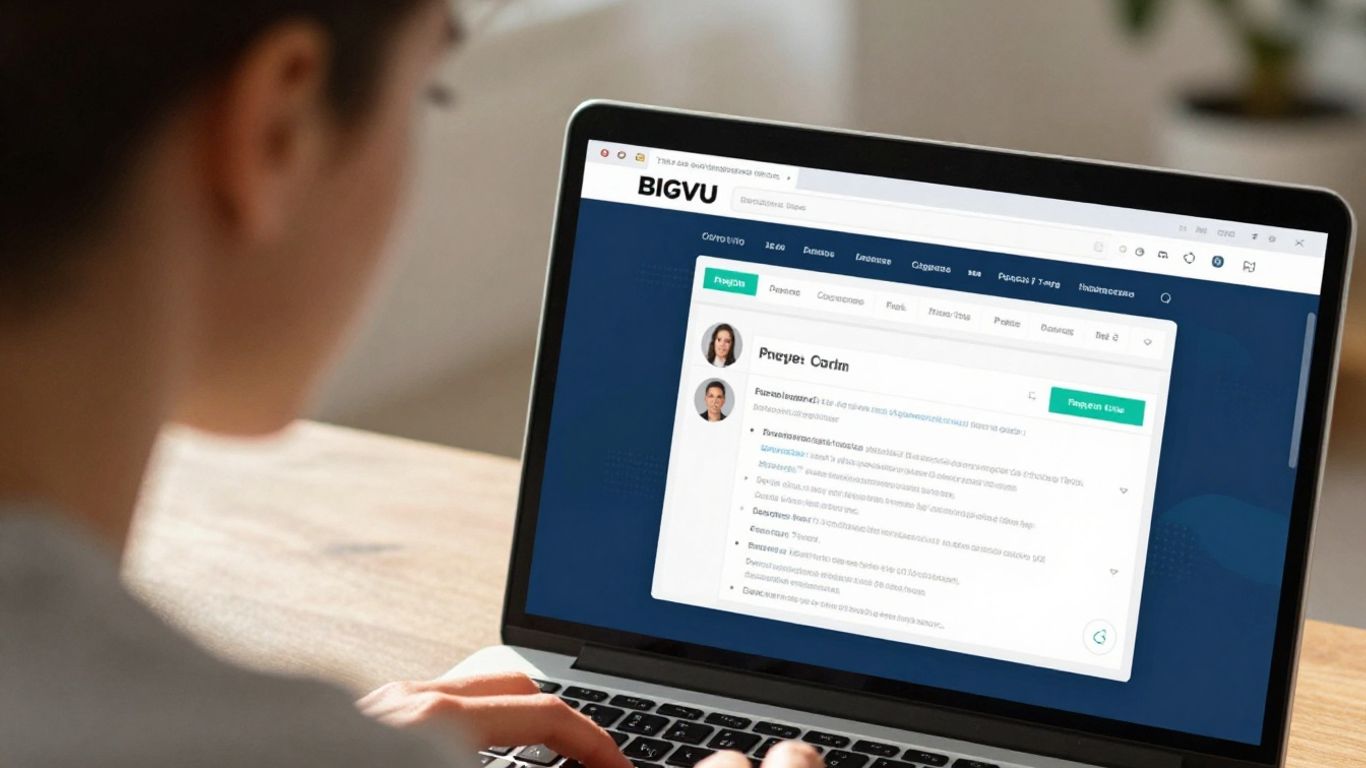
When you're trying to get a video made, especially if you're running into snags, good customer support can make all the difference. It’s like having a helpful friend when you're stuck trying to assemble IKEA furniture – you just need someone to point you in the right direction.
Contacting Support Channels
BIGVU offers a few ways to get in touch if you hit a wall. You can usually find a contact form right on their website, which is pretty standard. They also sometimes have an email address listed, and for more immediate issues, checking if they have a live chat option during business hours is a good idea. Some users have mentioned reaching out through app store reviews, though that's more of a public forum than direct support.
Response Times and Resolution
This is where things can get a bit mixed. Some users report quick replies, especially when they leave reviews on app stores. Others, however, have experienced longer waits, sometimes days, before getting a response. When issues are straightforward, like a question about a feature, resolution might be faster. For more complex problems, like camera access errors that some users on specific phones have encountered, it can take longer, and sometimes the advice is just a temporary workaround, like using the web version instead of the app. It's important to have realistic expectations about how quickly every single problem will be solved.
Community Feedback and Reviews
Looking at what other users say is a good way to gauge support quality. While some testimonials praise the responsiveness, others point out that getting a definitive fix for persistent bugs can be a challenge. It seems like the support team is aware of issues and working on them, but the pace of resolution can vary. For instance, a common complaint revolves around camera functionality not working on certain devices, with users waiting for updates. It's a bit of a mixed bag, with some users feeling well-supported and others feeling like they're stuck in a loop.
Sometimes, the best support isn't just about fixing the immediate problem, but also about clear communication. Knowing that a team is aware of an issue and actively working on it, even if a fix isn't instant, can be reassuring. However, long silences or generic responses can be frustrating when you just want your tool to work as expected.
Pricing and Subscription Tiers
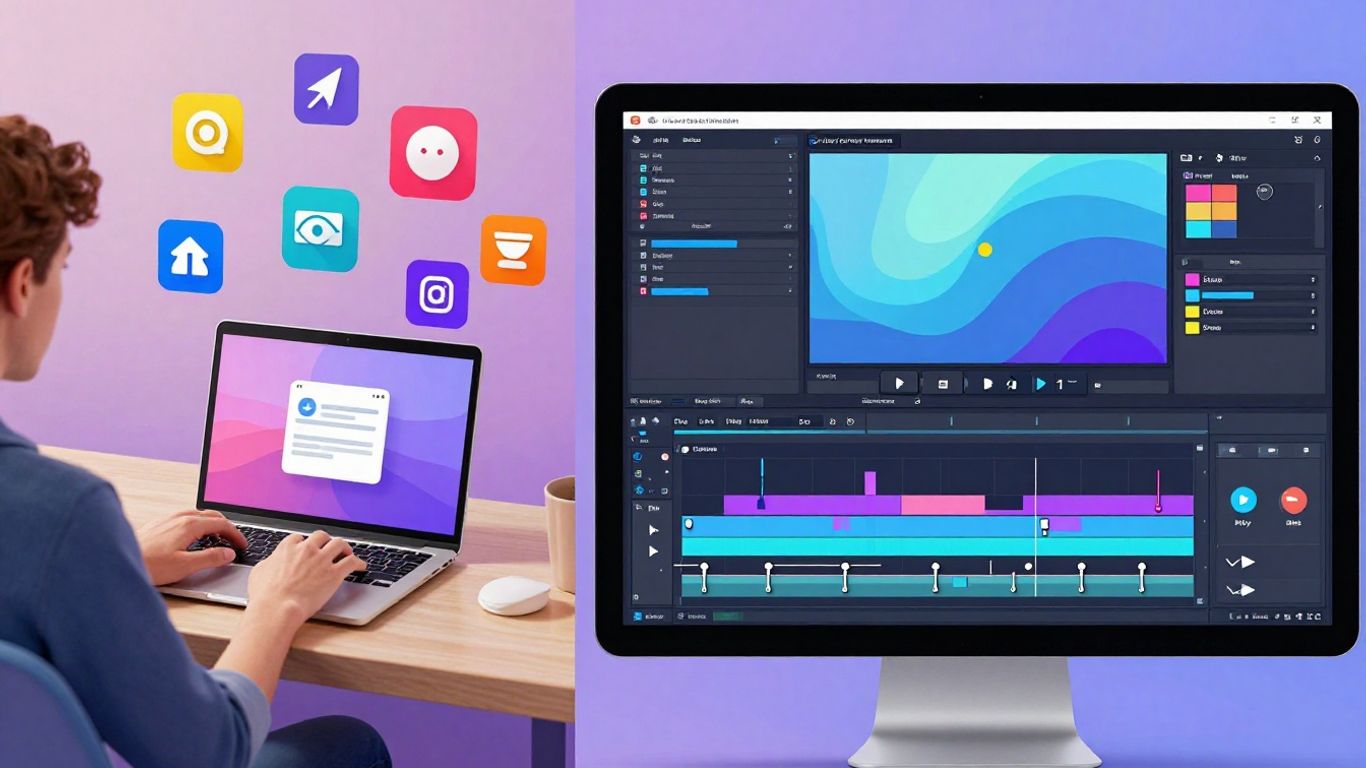
So, let's talk about the money side of things. BIGVU has a few different plans, and figuring out which one is right for you can feel a bit like a puzzle. They do offer a free trial, which is pretty standard these days, letting you kick the tires before you commit. You can explore the different editions and their features to find the best fit for your needs [749b].
Here's a quick look at what you might expect:
- Free Plan: Good for trying things out or for very basic needs. Probably has limitations on features and export quality.
- Starter/Basic Plan: This is likely where most solo creators or small businesses might start. It should offer more features than the free version, like better editing tools or more storage.
- Pro/Business Plan: For those who are using BIGVU regularly and need all the bells and whistles. Expect advanced AI features, higher resolution exports, and maybe team collaboration options.
- Enterprise Plan: If you're a larger company with specific needs, this plan is probably custom-tailored. You'd likely get dedicated support and advanced integrations.
The value proposition really depends on how much you plan to use the platform and which specific features are a must-have for your video creation workflow. If you're just making a few social clips a month, a lower tier might be perfectly fine. But if you're churning out daily videos with complex editing or AI-driven scripts, you'll probably need to step up.
It's worth noting that some users have reported issues with camera functionality, which could impact the perceived value of any plan if you can't actually record videos. While the company is reportedly working on these issues, it's something to keep in mind, especially if you rely heavily on mobile recording. You might want to test this thoroughly during your free trial.
When looking at the pricing, consider not just the monthly cost but also what you get for your money. Are the AI features worth the extra expense? Does the higher tier unlock export options you absolutely need? Think about your current video production needs and where you see them going in the next year or so. It's easy to get caught up in the cheapest option, but sometimes paying a bit more for the right features saves you time and frustration down the line.
BIGVU Reviews: A Look at User Testimonials
So, what are people actually saying about BIGVU? When you're thinking about putting your money into a new tool, hearing from others who've used it is pretty important, right? It’s like asking a friend if that new restaurant is any good before you book a table.
Positive User Experiences
Lots of users seem pretty happy with what BIGVU brings to the table. Many point out how easy it is to get professional-looking videos without needing a whole film crew. The teleprompter feature, in particular, gets a lot of shout-outs. People like that they can record themselves speaking directly to the camera, reading a script, and it looks like they've got it all memorized. It really cuts down on retakes and makes the whole process smoother. Some folks have even mentioned how the AI features, like automatic captioning, save them a ton of time on editing.
Common Criticisms and Complaints
But it's not all sunshine and roses. A recurring issue some users run into is with the camera functionality, especially on certain phone models. We've seen reports of the app struggling to access the device's camera, leading to error messages and an inability to record. One user mentioned trying to fix it by reinstalling the app multiple times without success. Another point of frustration for a few has been the customer support response time when these technical problems pop up. It seems like getting a quick fix can sometimes be a challenge.
Overall User Satisfaction
Looking at the bigger picture, BIGVU seems to be a hit for many. The average rating is quite high, with users often giving it top marks. It's clear that for a lot of people, the benefits of using BIGVU, like its user-friendly interface and helpful features, outweigh the occasional hiccup. The platform is generally seen as a solid choice for creating social videos efficiently. For those who haven't encountered the camera bugs, the experience is often very positive, leading to a good overall user satisfaction score [f74c].
When evaluating any software, it's wise to consider both the glowing reviews and the constructive criticism. This balanced view helps set realistic expectations and highlights areas where the product shines and where it might need improvement.
Here's a quick look at what users are saying:
- Ease of Use: Many find the interface intuitive, especially for beginners.
- Teleprompter: Frequently cited as a standout feature for smooth delivery.
- AI Tools: Captioning and other AI enhancements are praised for saving time.
- Camera Issues: Some users report problems with camera access on specific devices.
- Support Wait Times: A few have experienced delays in getting technical support.
It's worth noting that BIGVU has a pretty good overall rating based on hundreds of reviews [8034], which suggests that most users find it a worthwhile tool for their video creation needs.
Integration with Other Platforms
Social Media Sharing
BIGVU makes it pretty simple to get your videos out there. You can share directly to platforms like Facebook, Instagram, and YouTube. They've got tools to help you tailor the video for each specific network, which is handy. You can even schedule posts ahead of time using their Social Media Manager, so you don't have to be online at the exact moment you want something to go live. This is a big time-saver if you're juggling a lot of content.
Cloud Storage Options
When you're done editing, you'll want to save your work. BIGVU offers cloud storage, so your videos aren't just stuck on your device. This means you can access them from anywhere, which is great if you switch between a computer and your phone a lot. They also let you export your videos in various formats, so you can choose what works best for your needs.
Third-Party App Compatibility
This is where things can get a little more technical. BIGVU plays nice with some other apps, but it's not a universal connector. For example, you can export videos to cloud drives like Google Drive or Dropbox. If you're looking to connect it to more advanced marketing tools or CRMs, you might need to check their specific compatibility list. It's always a good idea to see if your favorite tools work with BIGVU before you commit, just to avoid any workflow hiccups.
Sometimes, the biggest hurdle with software isn't the software itself, but how it fits into your existing routine. Making sure your video tools can talk to your other apps can save a lot of headaches down the line. It's about building a smooth process, not just having cool features.
BIGVU does have a free plan that lets you try out some of its features, including basic editing and caption tools, without any watermarks on standard videos. This is a good way to test out how it might fit with your current setup before you pay anything. Check out the free plan to see if it meets your initial needs.
So, Is BIGVU Worth It?
Alright, so we've looked at what BIGVU can do. It's got some neat tricks up its sleeve for making videos, especially if you're trying to get content out fast. The teleprompter and editing tools are pretty decent, and for some folks, that might be enough. But, and this is a big but, there are some real headaches. We saw one user who just couldn't get the camera to work on their phone, even after trying for ages and reaching out for help. They were told it was an ongoing problem and to just use a different device or their computer. That's not exactly ideal, is it? If you're on the go, lugging a laptop around to film isn't the point of a mobile video maker. So, before you hand over your cash in 2026, really think about what you need. If you need something that just works, every single time, without a fuss, you might want to look around a bit more. BIGVU has potential, sure, but those kinds of technical glitches and slow support can really mess with your workflow. It might be worth it for some, but definitely check out the latest reviews and maybe try a free trial if you can, just to make sure it won't leave you pulling your hair out.
Frequently Asked Questions
What makes BIGVU special for making social videos?
BIGVU is a tool that helps you create cool videos for social media. It has features like easy recording, editing tools, and even smart AI helpers to make your videos look professional without much fuss. Think of it as a video studio right in your pocket!
Is BIGVU easy for someone who's never made videos before?
Yes, BIGVU is designed to be user-friendly. Even if you're new to video making, you'll find it simple to get started. The layout is clear, and it guides you through the process, making it less scary to jump in and create.
What if the camera on my phone doesn't work with BIGVU?
Some users have reported camera issues, especially on certain phones like the S22 Ultra. BIGVU's team is aware of this and is working on fixing it. They suggest trying a different device or using the web version on your computer as a temporary fix.
How do I get help if I run into problems with BIGVU?
If you have issues, you can try reaching out to their support. However, some users have found it hard to get quick responses. They sometimes respond to reviews, so checking those or leaving one might be a way to get noticed.
Does BIGVU cost money, and are there different plans?
BIGVU offers different plans with varying features and prices. It's good to look at what each plan offers to see which one fits your needs and budget best. They usually have a free trial so you can test it out before committing.
Can I easily share my BIGVU videos to other social media sites?
Absolutely! BIGVU is built for social media, so sharing your creations to platforms like Facebook, Instagram, or TikTok is straightforward. It helps you get your videos out there quickly.